

🔐 Taproot Vaults
A Vault is a Pay-to-Taproot output (BIP341) whose spend conditions are committed via MAST / Tapscript (BIP342). Each Vault holds borrower BTC and can only move when one of three pre-committed spend paths is satisfied.
Design Choices
- MAST tree. Three leaves committed at Vault creation: Repayment, Liquidation, Exit. Only the executed leaf is revealed at spend time; unused branches remain hidden.
- Vault binding. The Repayment leaf commits a 32-byte
vaultId = keccak256(abi.encodePacked(userEvmAddress, nonce)), binding the UTXO to the borrower's on-chain position so that a spent leaf cannot be replayed against a different position. - Threshold Schnorr (BIP340) via Lin24. The
loanPubkeyis an aggregate x-only key produced by a 3-of-4 signing session. - Key-path spend disabled. The internal key is a deterministic NUMS key derived from
SHA256("SURGE-NUMS"), whose output used by Surge is6a1bac977b8af761b330d1473dba1e5cfc75b3256a1ae900b78a369e175423f2, and is set as the Taproot x-only internal pubkey. This guarantees there is no usable private key for key-path signing, so every spend must reveal and execute a script path.
Trust Model
| Scenario | Who can spend | Leaf used |
|---|---|---|
| Cooperative closure | User and TSN co-sign | Repayment |
| Collateral unhealthy or credit delinquent at term | TSN unilateral | Liquidation |
| TSN / coordination layer disappears | User alone after ~1 year relative timelock | Exit |
Delinquency (credit line not paid at term) is handled by the Liquidation leaf, it is a different trigger reason, not a different script. Transfers to/from a third-party marketplace are coordinated cooperatively through the Repayment flow. See Transfers.
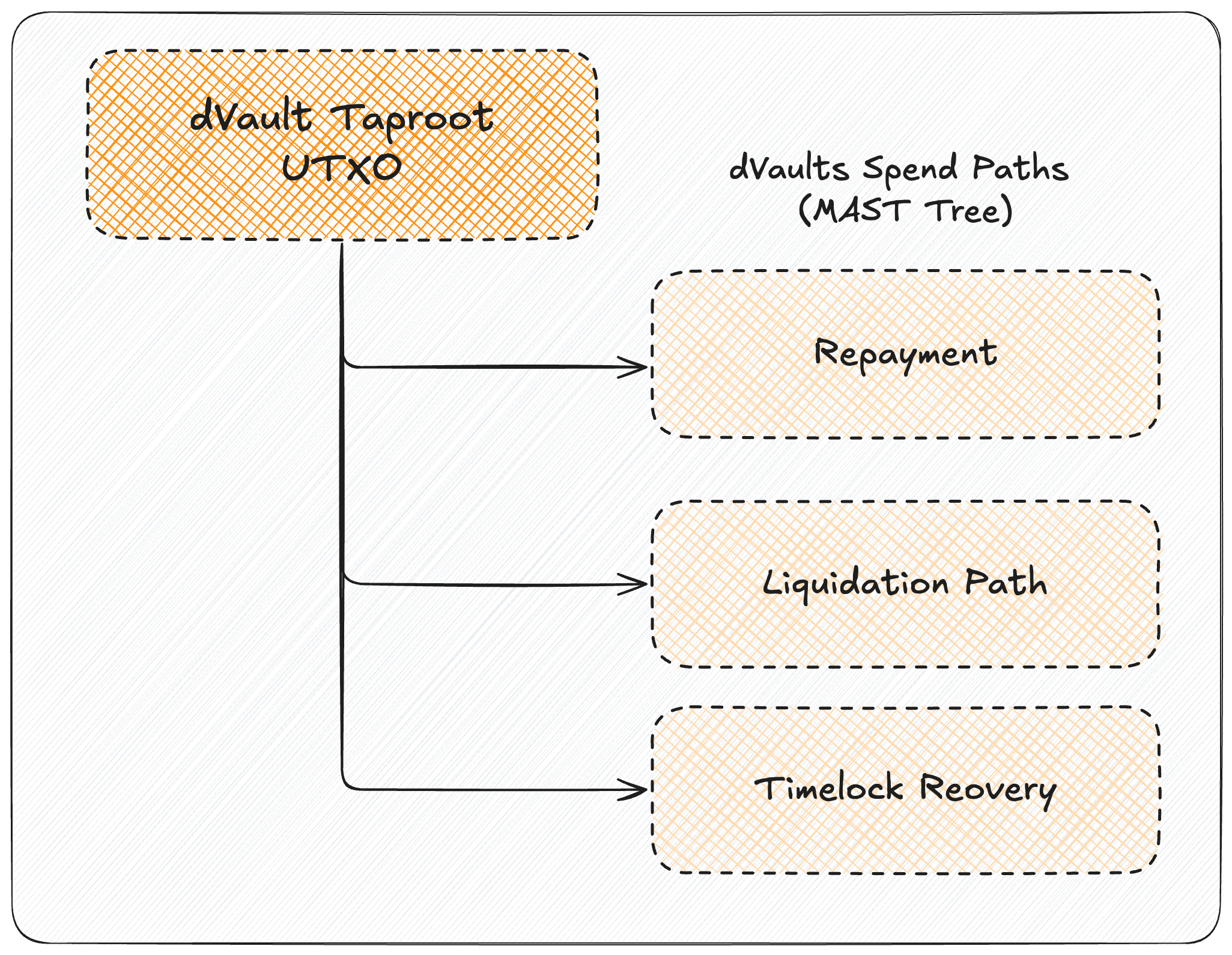
Taproot Vault UTXO
Script Anatomy
1. Repayment (user + TSN)
The path commits vaultId, drops it, then requires both signatures (userPubkey and loanPubkey) with OP_CHECKSIG + OP_CHECKSIGADD == 2.
Cooperative closure only. Neither side can close alone through this path.
2. Liquidation (TSN only)
The path requires a valid loanPubkey signature.
This path is used when the Coordination Layer authorizes liquidation, such as a collateral-ratio breach of the liquidation threshold or unpaid end-of-term delinquency.
3. Exit (user only, CSV timelock)
The path enforces OP_CHECKSEQUENCEVERIFY, then requires userPubkey signature.
After the delay elapses, the borrower can recover funds without TSN participation.
Vault Lifecycle
- Deposit. User locks BTC to the Taproot output whose script tree is compiled from the three leaves above with the NUMS internal key.
- Borrow. The Coordination Layer issues stablecoin debt against the confirmed deposit via
VaultManagerand creates a position representing the loan. - Monitoring. Oracle price updates drive the position's live collateral ratio; worker processes track health and term.
- Closure. One of three leaves is executed:
- Repay - proportional BTC released to the user's withdrawal address.
- Liquidate - At 90% LTV, the full credit line is liquidated: collateral moves to the TSN-controlled sweep address, a Dutch auction runs on the EVM side against the market that issued the credit line, proceeds retire the full debt and penalty, and any BTC surplus after settlement is returned to the borrower. The position is closed. For delinquency (unpaid at term end), a partial liquidation applies instead: a sized lot is swept, proportional debt is retired, and any surplus BTC is re-locked into a Vault UTXO under the same scripts.
- Exit - user alone spends after CSV expiry.
Why This Is Safe
- Bitcoin script is final authority. Off-chain services can request actions, but BTC only moves when a valid committed Taproot leaf is satisfied on-chain.
- No hidden key-path backdoor. The Vault uses a NUMS internal key derived from
SHA256("SURGE-NUMS"), so key-path signing is not available. - Repayment is bound to the correct position.
vaultIdin the Repayment leaf prevents replaying a valid witness against a different Vault. - Borrower recovery is guaranteed by script. After CSV expiry, the Exit path can be spent by the borrower without depending on the TSN or platform availability.